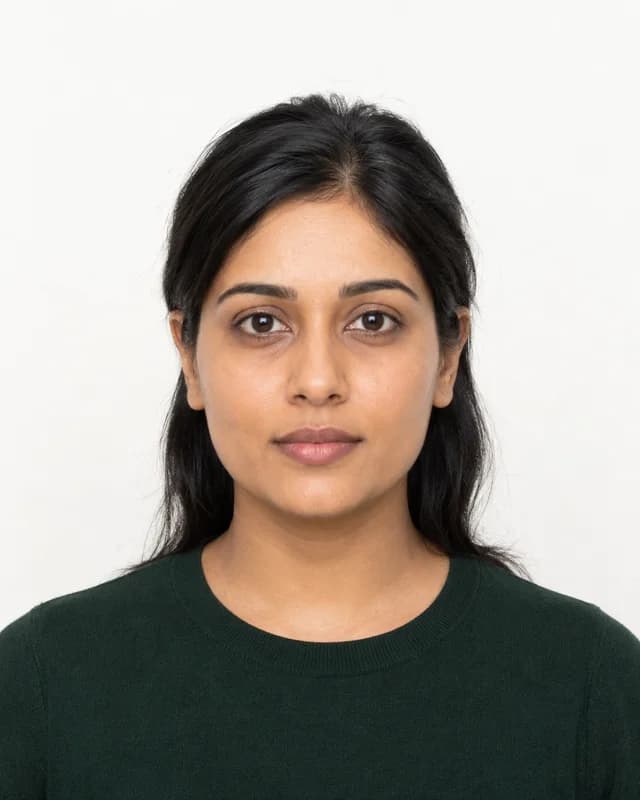
US visa photo preparation: choose the application first
This page selects the US visa preset. It can help prepare a photo and review automated checks, but it cannot turn every portrait into an acceptable application image. Keep your original and retake unsuitable photos.
Digital and printed submissions
The State Department’s digital image guidance specifies a square JPEG from 600 × 600 to 1200 × 1200 pixels, in 24-bit sRGB, at most 240 kB. This tool’s configured US visa output is 600 × 600 pixels. Check the exported file and the instructions for your application.
Official digital image requirements also explain that digital changes must not alter your appearance. Automated background replacement is not proof of compliance.
DS-160, immigrant visas, and DV entries
Do not assume one output covers every submission. Some visa categories request digital images; others require printed photos. Follow the instructions for your application and consulate. For lottery entries, review the separate DV photo checker and current entry instructions.
Take a suitable original photograph
The State Department visa photo guidance calls for a recent colour photo, a white or off-white background, and a frontal view. Eyeglasses are generally not allowed; the official guidance describes limited medical exceptions. The embassy or consulate decides acceptance.
Free preview and paid download
Review the crop and automated feedback before checkout. Checks and previews are free; processed downloads use the one-time price shown in the tool. The service is independent of the US government. A passing check does not guarantee acceptance or verify every rule.
Official sources reviewed 6 October 2026.