PIXPassVisa · DOCUMENT PHOTO GUIDE
Romanian passport photos: check the capture process first
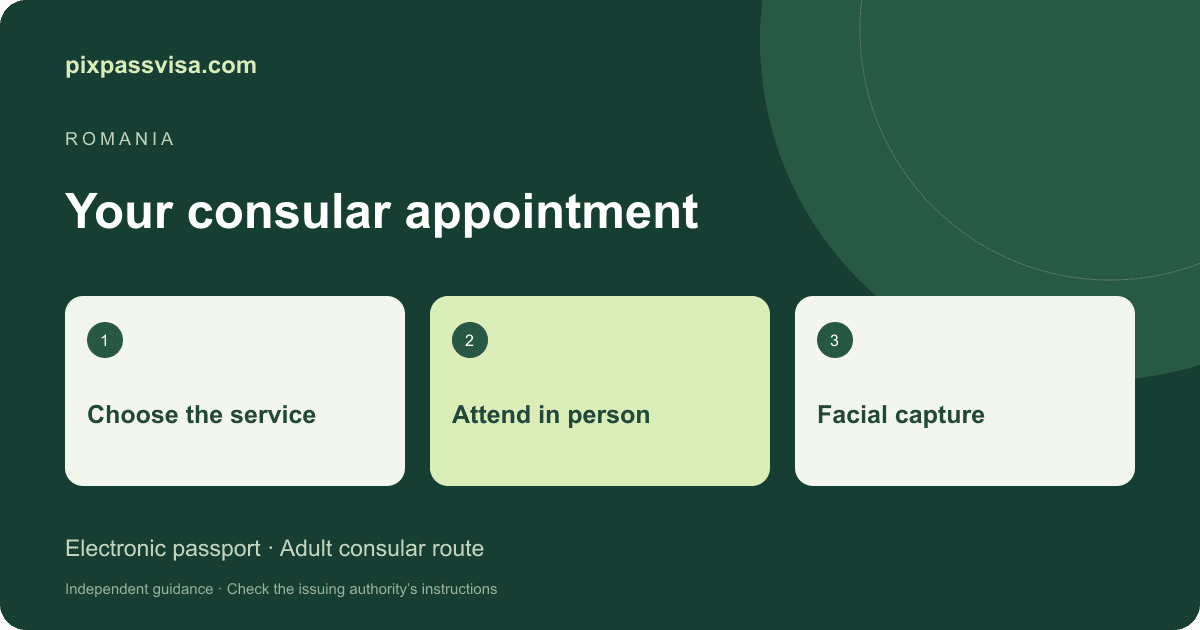
For the adult electronic-passport consular route described below, an online photo purchase is not a substitute for attending the appointment. This PixPassVisa guide separates official facial capture from generic image-sizing tools.
Reviewed · PixPassVisa editorial process
- Route covered
- Adult electronic passport
- Facial image
- Captured at consulate
- Online crop
- Not a replacement
What eConsulat says about the appointment
For adult Romanian citizens domiciled in Romania applying through a consulate, eConsulat requires the holder’s personal presence because facial and fingerprint data are collected. Its instructions say an existing photograph cannot be scanned as a substitute.
This is a specific electronic-passport route. Select your consulate and the correct service on eConsulat for local instructions. Children, temporary passports and other circumstances must be checked under their own service pages.
Source: Romanian Ministry of Foreign Affairs: adult electronic passport conditions ↗
Preparing for facial capture
The cited consular guidance recommends dark clothing and keeping the eyes open. It says not to wear glasses for facial capture and explains an exception for religious head coverings when the face remains clearly visible without shadows. Read the selected consulate’s instructions before attending.
Source: Romanian Ministry of Foreign Affairs: adult electronic passport conditions ↗
Why the Romania size preset is not an application promise
PixPassVisa includes a Romania-labelled image preset. Its existence does not mean that a file prepared here can be uploaded in place of consular capture. A 35 × 45 mm image is a file format, not evidence that your passport service accepts a supplied photograph.
Before editing or paying, identify the service you are using and whether it explicitly requests a separate photo. If it does, use that office’s written requirements. Do not borrow a visa specification for a passport application.
A practical appointment checklist
Save the correct service page, select the handling consulate, and read the document checklist sent with your appointment. Bring the required originals and leave time for the capture process. Direct questions about exceptions or accessibility to the office handling your application.
Use our passport directory to compare photo workflows when preparing documents for different countries. PixPassVisa does not book appointments, collect official biometrics or issue passports.
Official sources and scope
Reviewed against these sources on 14 October 2026. Recheck the instructions for your application before submitting. PixPassVisa is independent of the issuing authorities; a photo check or paid download does not guarantee acceptance.