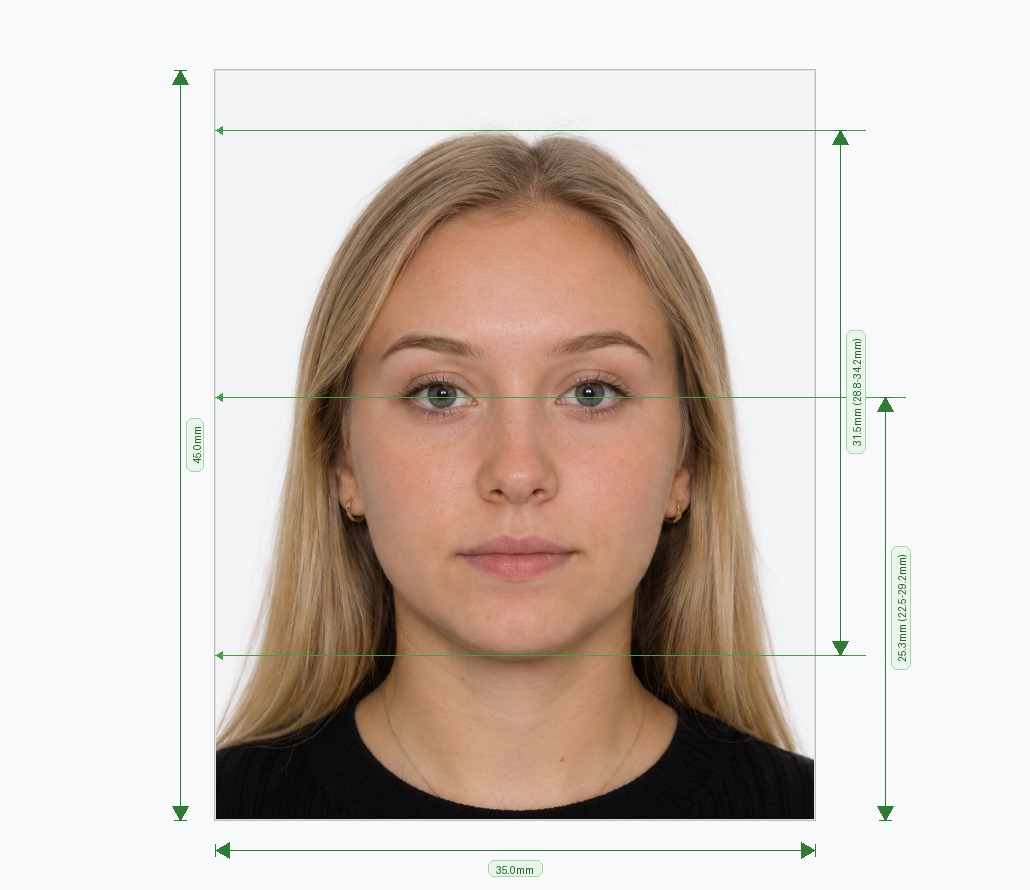
What Is the 2x2 us photo tool?
The 2x2 picture editor is a free online tool that turns any photo into an official 2 × 2 inch (51 × 51 mm) photograph that meets U.S. government standards for passports, visas, DS-160 applications, green cards, and the Diversity Visa Lottery. Instead of visiting a pharmacy or photo studio, you can crop, resize, and fix your photo from your phone or computer in under two minutes.
How to Create a 2x2 Photo in 3 Simple Steps
- Upload Your Photo: Take a photo facing the camera directly with a neutral expression and even lighting. Any background is fine — it's removed automatically.
- Auto-Adjust to Spec: The 2x2 photo editor centers your face, sizes your head to 1–1⅜ inches (50–69% of frame height), positions your eyes at the correct height, and replaces the background with pure white.
- Download or Print: Get a digital file sized exactly 600×600 px under 240 KB for online uploads, plus a ready-to-print 4×6 sheet with four 2×2 inch copies.
Official 2x2 Inch Photo Specifications
| Requirement | Specification |
|---|---|
| Print Size | 2 × 2 inches (51 × 51 mm) |
| Digital Size | 600×600 px (up to 1200×1200 px), square |
| Head Height | 1" to 1⅜" (25–35 mm) |
| Eye Height | 1⅛" to 1⅜" from bottom (28–35 mm) |
| File Format | JPEG, 24-bit sRGB color |
| Max File Size | 240 KB (min 10 KB) |
| Background | Plain white or off-white, no shadows |
| Eyeglasses | Not permitted |
| Recency | Taken within last 6 months |
What Documents Use a 2x2 Photo?
- US Passports: New applications and renewals.
- DS-160 Nonimmigrant Visas: B1/B2, F1/M1/J1, H-1B, L-1, O-1, TN, and more.
- DS-260 Immigrant Visas: Family- and employment-based green card applications.
- Diversity Visa (DV) Lottery: Same 600×600 px digital spec.
- Employment Authorization & Green Card Renewals: USCIS forms accept the same 2×2 inch format.
Common Mistakes This Tool Fixes
- Wrong Aspect Ratio: Non-square photos are auto-cropped to a perfect 1:1 ratio.
- Off-White or Shadowed Background: Replaced with clean, uniform white.
- Head Too Big or Small: Precisely resized to the 1"–1⅜" range.
- File Too Large: Compressed under the 240 KB digital limit.
- Wearing Glasses: Flagged for removal before submission.
2x2 Picture Editor vs. Photo Studios
| Feature | 2x2 Picture Editor | Studio / Pharmacy |
|---|---|---|
| Time | Under 2 minutes | 30–60 minutes |
| Digital File | Included, under 240 KB | Often extra fee or unavailable |
| Retakes | Unlimited, free | 1–2 shots only |
| Cost | Free to try | $10–$25 |
Official References
Frequently Asked Questions
A 2×2 inch (51×51 mm) square photograph, the standard size required for US passports, visas, and green card applications.
Yes — download the 4×6 inch template with four 2×2 photos and print it on photo paper at home or any drugstore kiosk.
No. A smartphone photo with even lighting is enough — the editor handles cropping, background removal, and sizing.
Yes, both use identical 2×2 inch (600×600 px) dimensions, white background, and head-size requirements.
No, eyeglasses are prohibited in passport and visa photos except for documented medical exceptions.
Yes, uploading, cropping, and background removal are free. You only pay to download the final high-resolution file.
Avoid Passport & Visa Photo Rejections
Our automatic tool prepares common crops and formats (such as 2x2" or 35x45mm) for review. Compare the result with your issuing authority's current rules before submitting.
Create & Fix My Photo NowExact Country SizesBiometric Check