CHOOSE YOUR APPLICATION ROUTE
UK passport photo measurements at a glance
| Requirement | Printed passport photo | Digital passport photo |
|---|---|---|
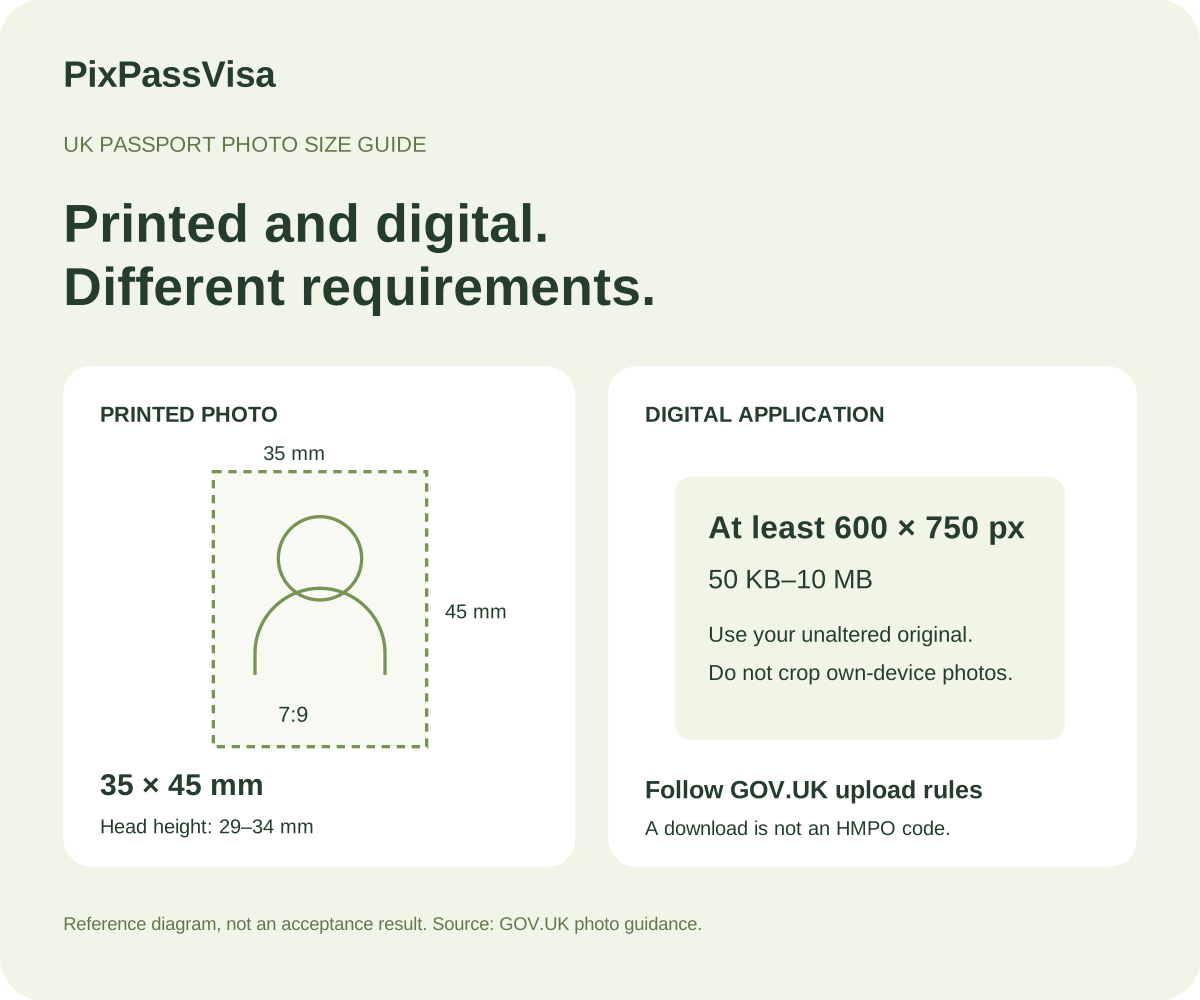
| Size | 35 mm wide × 45 mm high | At least 600 px wide × 750 px high |
| In centimetres | 3.5 cm × 4.5 cm | Use pixel dimensions, not centimetres |
| Framing | 29–34 mm from crown to chin | Own-device photo: include head, shoulders and upper body |
| File or copies | Two identical printed photographs | 50 KB–10 MB |
| Editing | Unaltered by computer software | Unaltered; do not crop your own-device photo |
Sources: GOV.UK printed photo rules · GOV.UK digital photo rules.
Printed passport photos: check the finished size
The 7:9 frame describes the printed format. A photo file can look correctly proportioned on screen and still print at the wrong physical size. If you prepare a sheet, avoid fit-to-page scaling and measure the finished photograph with a ruler. Follow the authority’s paper and print-quality instructions; a downloadable template alone does not certify a print.
Explore photo print templates →Applying online? Keep your original photograph
Do not turn the printed 35 × 45 mm specification into an automatic crop for an online passport application. Use a genuine recent photograph and follow the official upload process. This page’s processing controls cannot turn an altered image into an unaltered original.
A photo code from a participating booth or shop is also different from a JPEG download. PixPassVisa does not issue an HMPO photo code.
Read the official online application photo guidance ↗How to take a clearer passport photo at home
- Ask someone to hold the camera at eye level, with room around your head and shoulders.
- Use even light and a plain background. Review the original for blur, shadows and glare.
- Avoid face filters, beauty effects and background replacement. Retake a poor photograph rather than trying to repair your appearance.
- Check the instructions for your application before uploading or printing.
For babies, children, accessibility needs and permitted head coverings, consult the specific exceptions in the official guidance.
Review the UK passport photo checklist →Passport, driving licence and travel pass photos are different tasks
A passport guide cannot establish the correct format for every UK identity document. Driving licences, Oyster photocards, railcards and local passes use their issuers’ own rules. Confirm the process with the issuer, including whether it reuses an existing photo, accepts a new upload or asks for a physical print.
For more guidance, visit our UK photo guide hub, passport photo size chart or photo preparation video.
UK passport photo size questions
What size is a UK passport photo in mm and cm?
A printed UK passport photo is 35 mm wide by 45 mm high, or 3.5 × 4.5 cm. Head height from crown to chin must be 29–34 mm. These physical measurements apply to printed photos, not a universal digital crop.
What are the UK digital passport photo dimensions and file size?
GOV.UK requires a digital photo at least 600 pixels wide and 750 pixels tall, with a file size between 50 KB and 10 MB. It must be clear, in colour and unaltered by computer software.
Should I crop my own photo before applying online?
No. For a photo taken on your own device, GOV.UK says to include your head, shoulders and upper body and not crop it. The online passport application service handles the crop. Keep the original photograph.
Is a 2 × 2 inch photo suitable for a UK passport?
The UK printed passport format is 35 × 45 mm, not the square 2 × 2 inch format used for some other countries. Check the UK application route before preparing a print or digital upload.
Does PixPassVisa provide an HMPO photo code?
This tool does not provide an HMPO photo code. A digital file download is different from a code supplied by a participating photo booth or shop.
Can the same photo be used for a driving licence or travel pass?
Do not assume it can. DVLA, transport operators and other issuers have their own application processes and photo requirements. Follow the instructions for the exact document instead of treating passport dimensions as a universal format.
Does passing a photo check guarantee passport acceptance?
No. Automated checks can help you review an image but cannot certify it. HM Passport Office decides whether the submitted photograph meets its requirements. PixPassVisa is an independent service.