Create Canada Passport Photo Online & Canada Visa Photo Checker
Create and check your Canadian passport & IRCC visa photo online in under a minute — free to try
Automated biometric checks against official Canadian government rules — 50×70 mm & 35×45 mm sizing, chin-to-crown 31–36 mm, background removal, and face alignment processed instantly.

IRCC & Passport Program · 50 × 70 mm · Plain White BG · Print & Digital
Select Canada Document Type
Official IRCC or Canadian Passport Program specification
Upload Your Photo
JPEG, PNG or WEBP · Max 15 MB
Drag & Drop portrait photo here
Or click to browse from device · Free preview
4-Step Canada Photo Processing Pipeline
From raw selfie to biometric verification, 50×70 mm / 35×45 mm compliance, and print-ready output.
 STEP 1
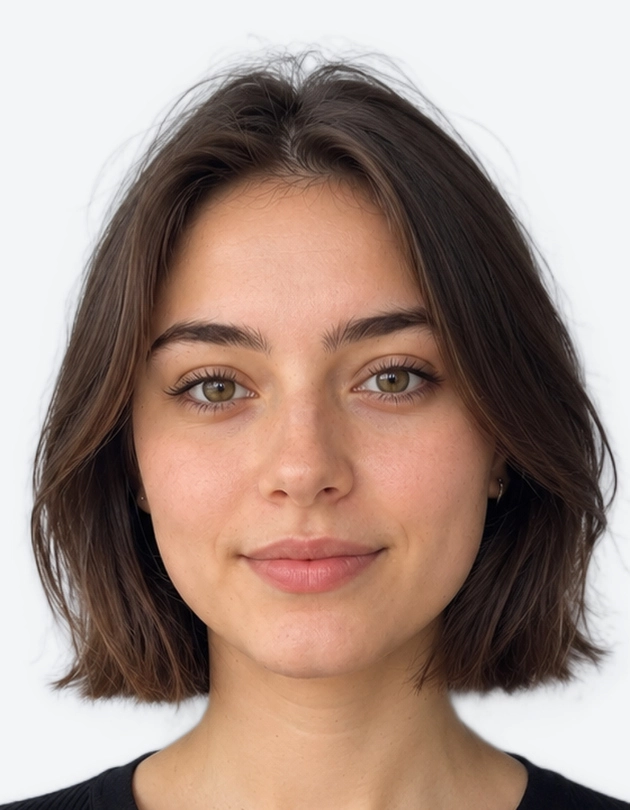
1. Camera Upload
Casual selfie or portrait photo from any smartphone.
 STEP 2
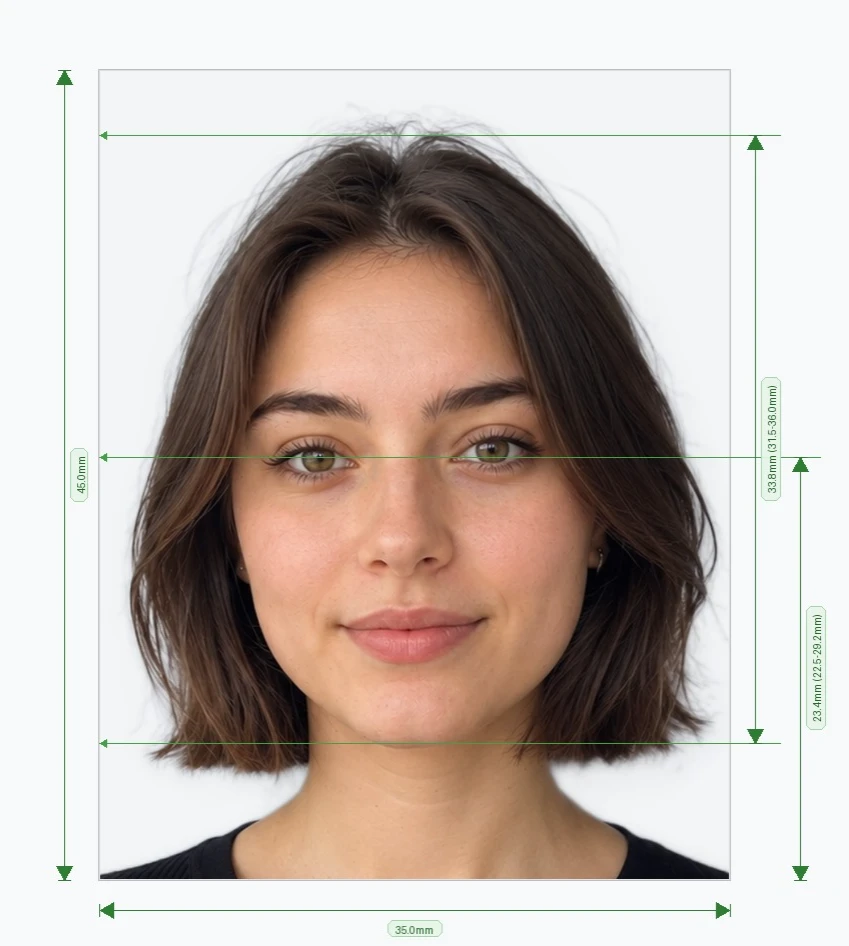
2. Biometric Scan
Chin-to-crown (31–36 mm) & eye position AI scan.
STEP 33. Compliant 50×70mm
Plain white background & 100% IRCC ready.
 STEP 4
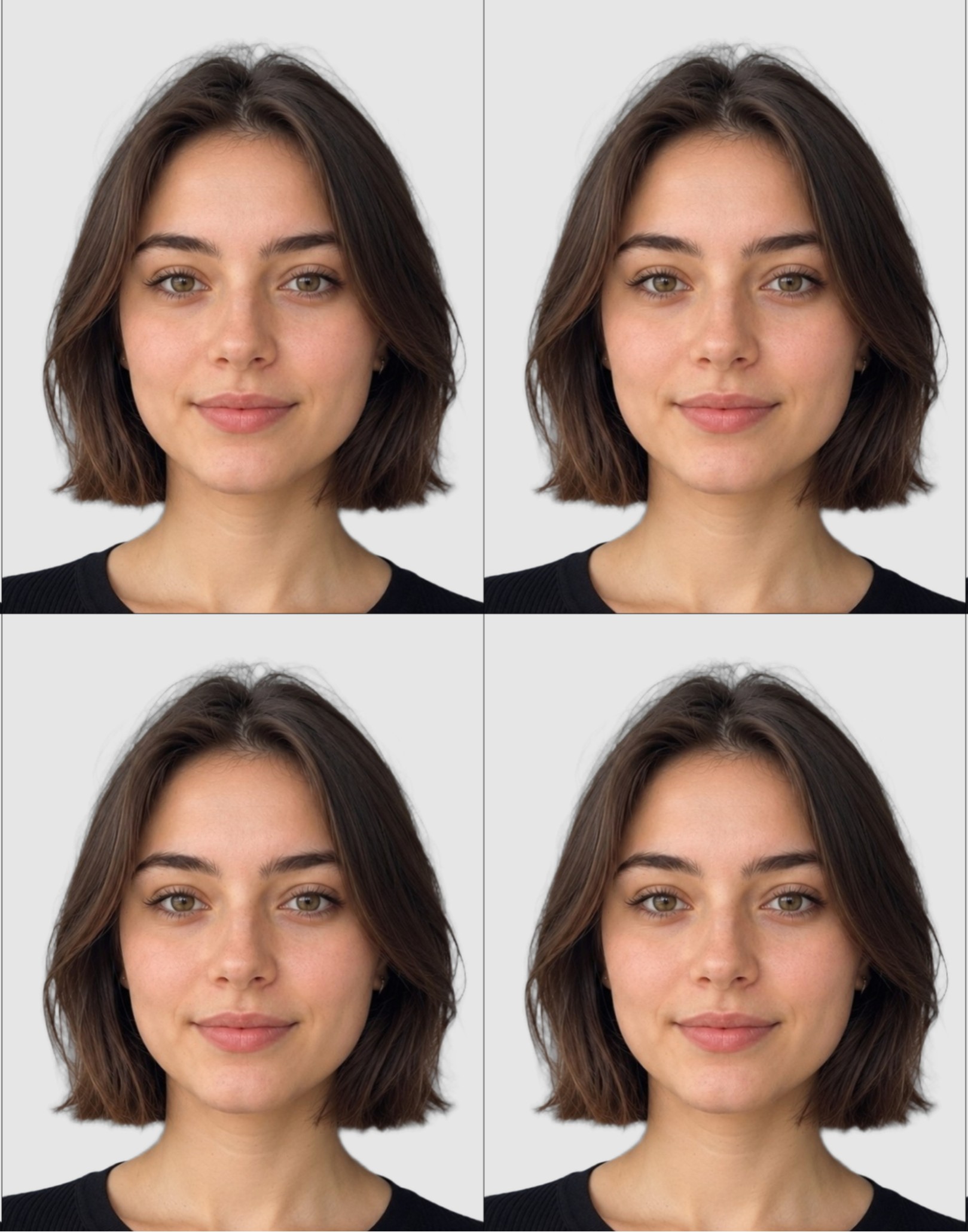
4. Print Sheet / Digital JPEG
Print-ready copy for Shoppers Drug Mart, Walmart, or home.
Verified Against Official Canadian Authorities
Rules sourced directly from IRCC, Service Canada, RCMP, and ICAO publications.
Official Canadian standards for 50×70 mm passport photos and guarantor requirements.
Official specifications for Temporary Resident Visas (TRV), Study/Work Permits, and PR cards.
Official photo guidelines for Canadian Possession and Acquisition Licence (PAL) cards.
Global biometric standard enforced across all Canadian machine-readable travel documents.
Canada Passport Photo Online Requirements
Photo size must be exactly 50 millimetres (mm) wide × 70 millimetres (mm) high (2 inches × 2 3/4 inches).
A close-up of your head and shoulders so that your face, from the bottom of your chin to your crown, is between 31 mm and 36 mm high (44% to 51% of photo height).
Automated Biometric Sizing:
You don't need to manually measure millimeters. Our online tool crops and aligns your photo to exact Canadian specifications automatically.
How to Take a Canadian Passport Photo at Home
Follow these official Canadian Passport Program photo guidelines using any digital camera or smartphone:
- Passport photo must be in full color (24-bit sRGB).
- Plain, solid white or light-coloured background with no decorations or patterns.
- Look straight at the camera. Both sides of the face and ears should be visible.
- Neutral facial expression with mouth closed and no smiling.
- Both eyes fully open and looking directly into the camera lens.
- No hats or headgear except for verified religious or medical reasons.
- Remove eyeglasses if possible. No glare, tint, or thick frames allowed.
- Forehead and eyebrows clearly visible — do not cover with bangs or hair.
- No shadows on face, under chin, or behind head on the background.
- Taken within the last six (6) months of application.
Lighting and Positioning Tips
Bright Natural Light
Take the photo facing a window for natural, even illumination across both sides of the face.
Stand 1–1.5 Metres Away
Stand about 3–4 feet from the wall to prevent casting a shadow on the background.
Camera at Eye Level
Position the camera directly at eye level to eliminate perspective distortion.
Leave Headroom
Leave ample space around your head and upper shoulders so our AI can accurately position the 31–36 mm facial crop.
Canada Passport & Document Guides
Guides generated dynamically from Markdown files in content/ca/.